













How Pages Appear In Your Proof File
Pages in Single-Sheet Products
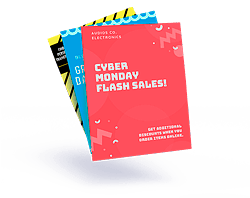
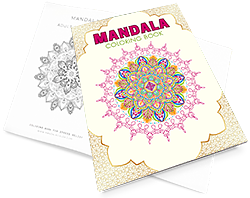
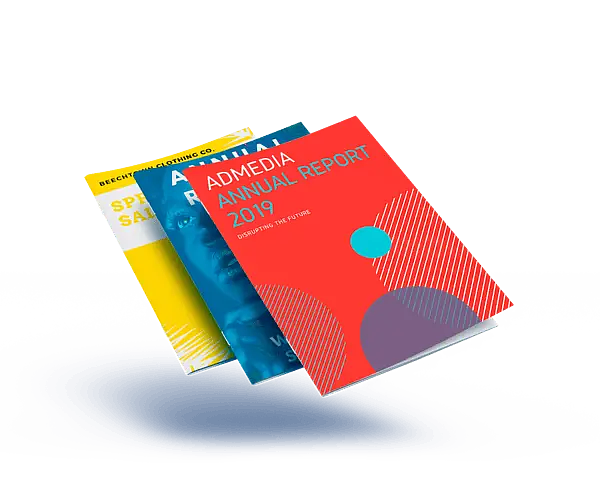
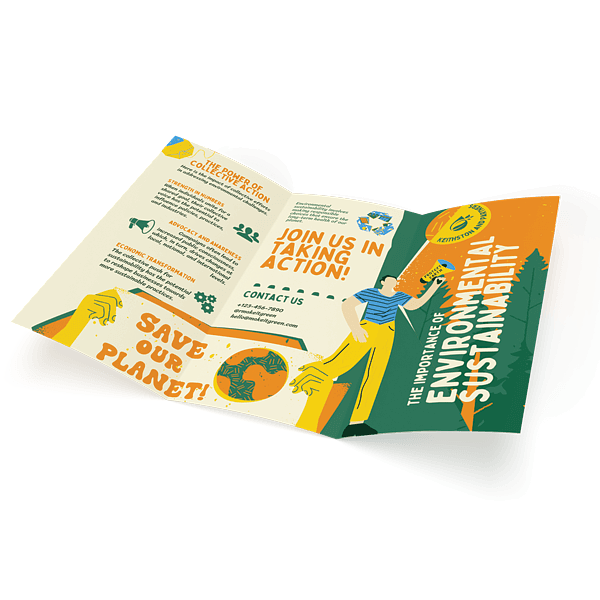
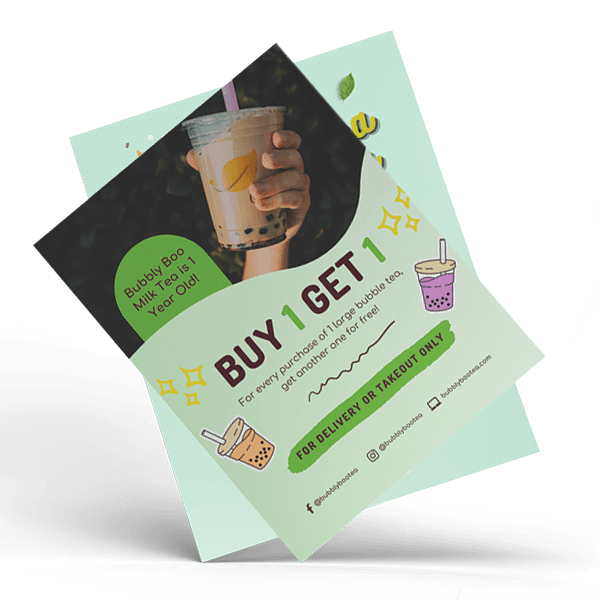
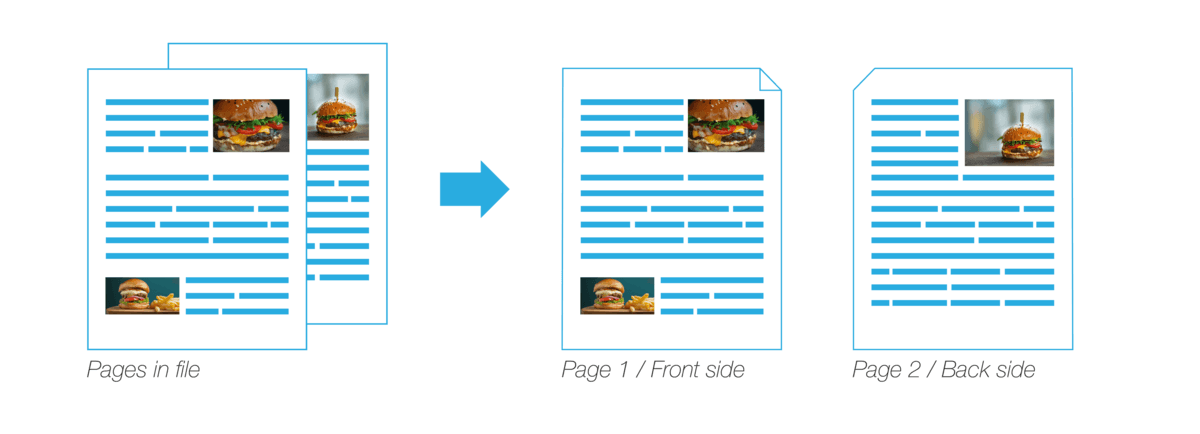
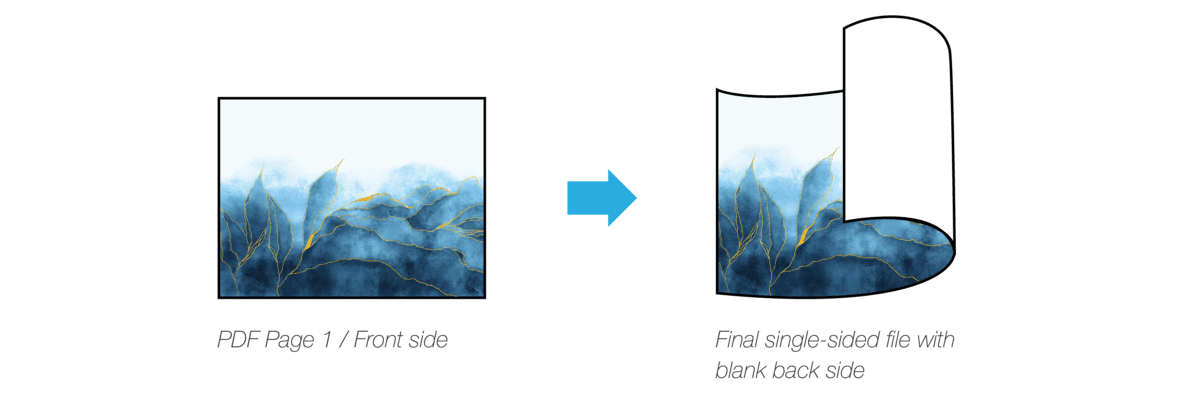
For single sheet products that will not be bound into books (for example: Color Copies, Black and White Copies, Mini Posters, Postcards, etc.), pages in the proof file appear one at a time. For files printing single-sided, each page will print with a blank back side; for double-sided files, all odd pages represent the "front" side of a sheet of paper, and all even pages represent that "back" side.
Pages in Book Products
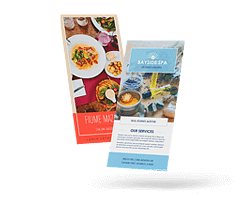
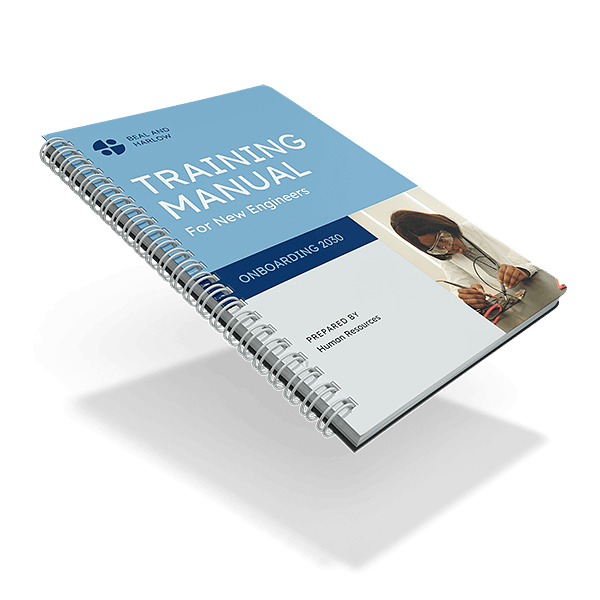
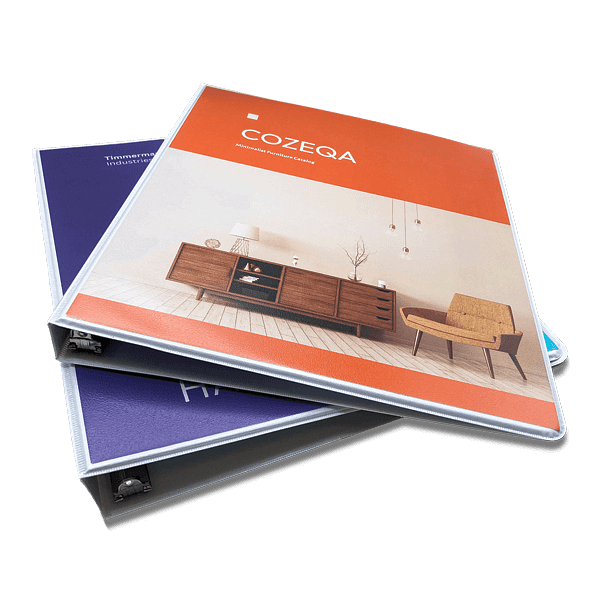
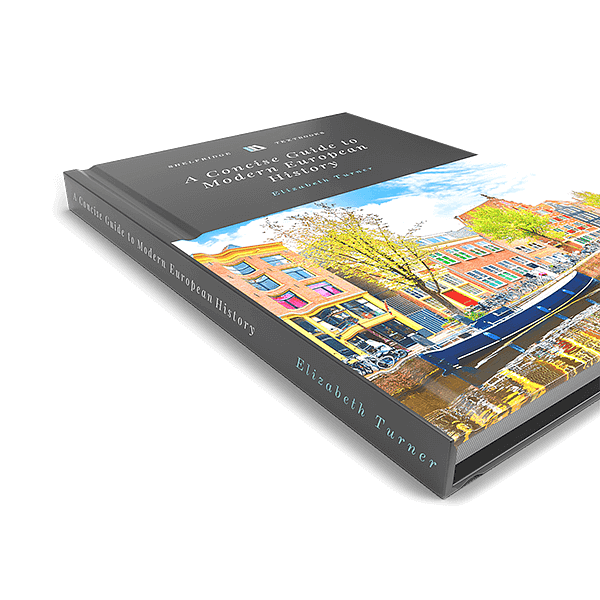
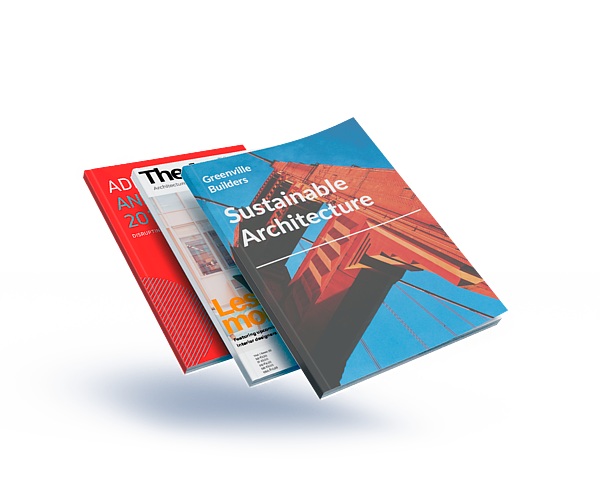
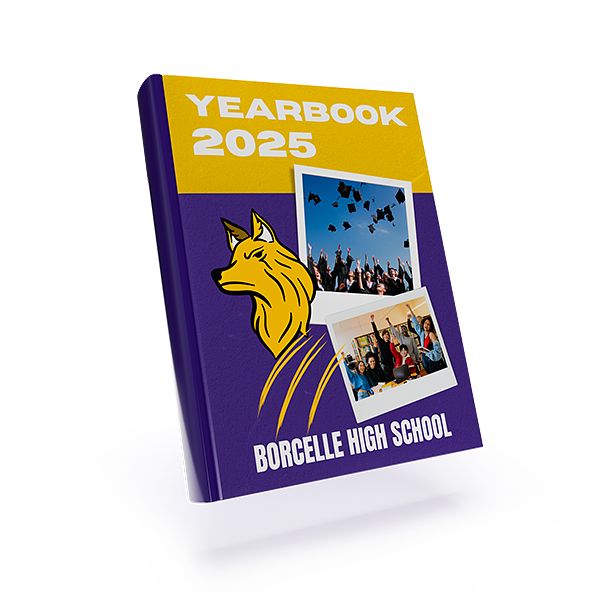
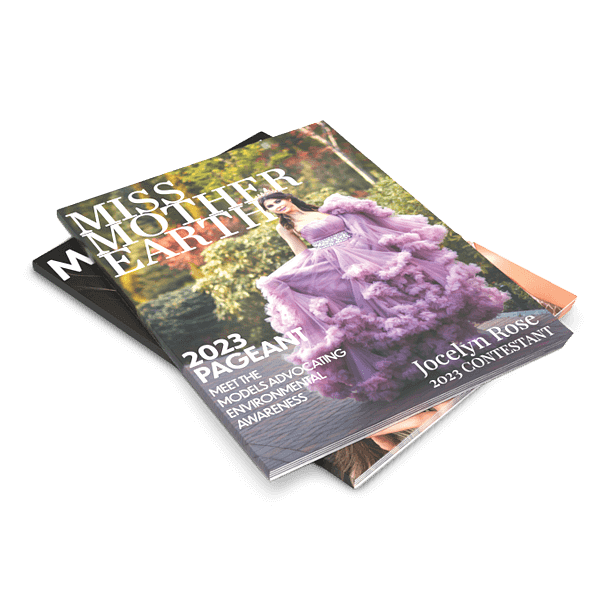
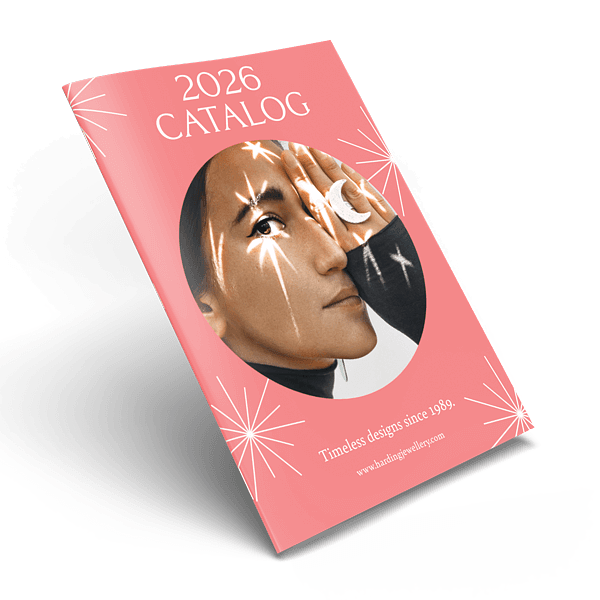
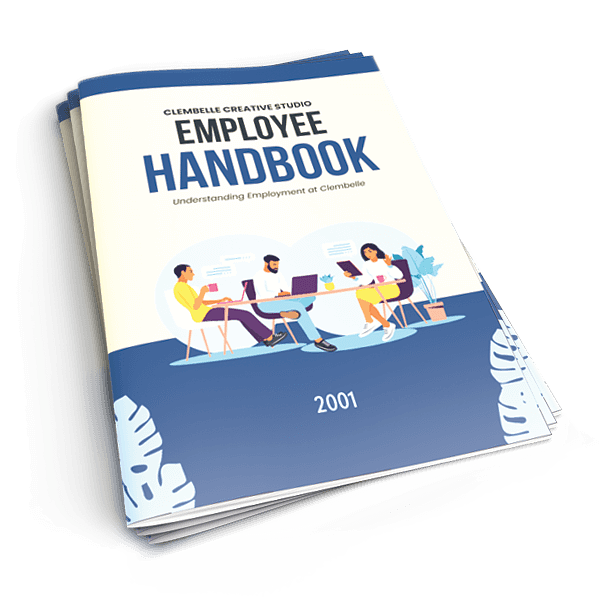
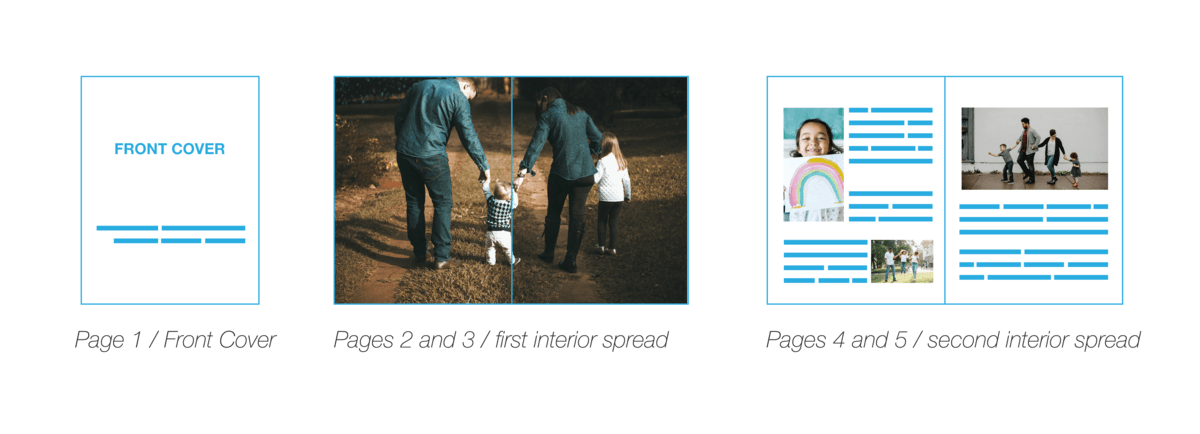
For bound book products, our proofs show the front and back covers as standalone pages at the beginning and end of the file, and all interior pages are shown next to one another as spreads.
Orientation
How Pages in Your File Will Print
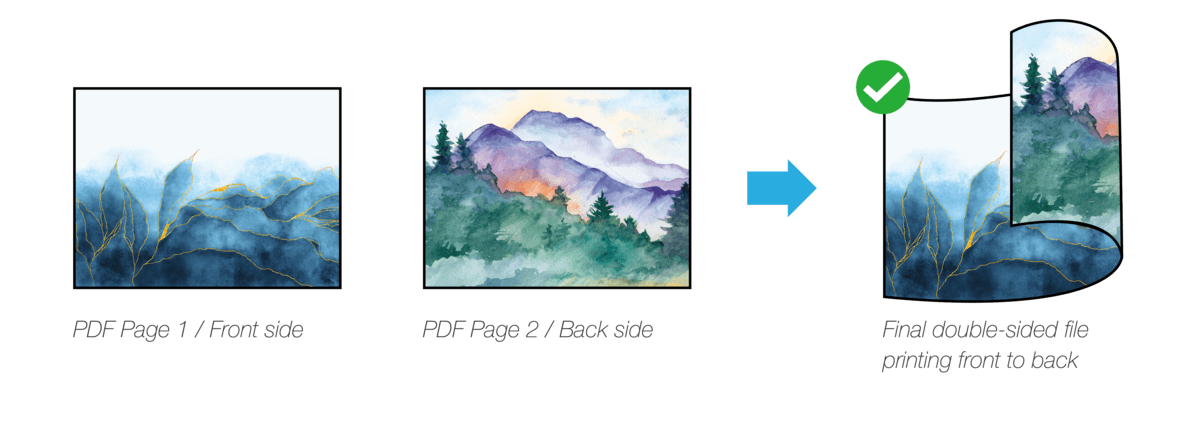
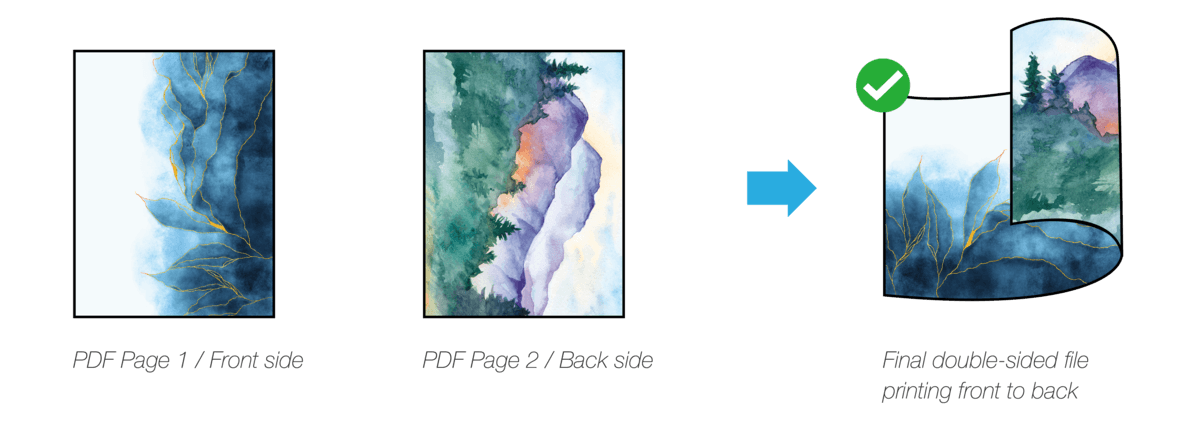
Double-sided files will print top to top or front to back, and be flipped on the vertical edge, with the top of PDF page 1 in the file (aka the front side of the sheet) placed at the same side as the top of PDF page 2 (aka the back side of the sheet).
The orientation of content on the page as well as the direction of the page itself will impact how the file is printed.
For example, here is a 2-page file containing content orientated Landscape, placed in the Landscape position. The final product as the top of each page printing along the same edge.
Here is the same file, but the pages are oriented in the Portrait position. In the final product of this version, the image on the back side has printed "upside down."
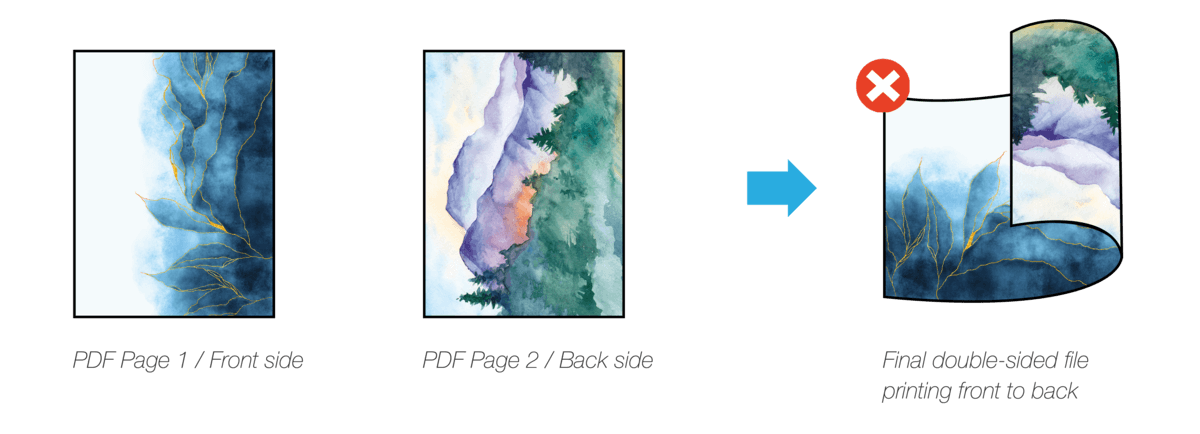
In order for Landscape-oriented content on Portrait pages to print correctly, one of the pages must be flipped 180 degrees. In the example below, the second page has been flipped, and in the final product, the two sides now print front to back properly.
Single-sided files will print with a blank back side.
3D Models
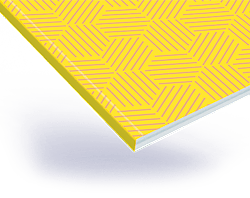
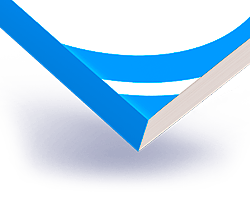
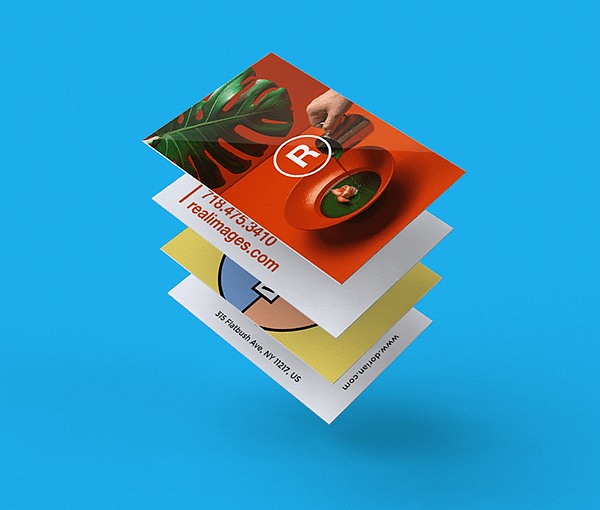
3D models of your proof(s) are available upon request!
Please note, however, that we cannot create 3D models for orders that are shipping the same day that the request is made. For orders with slower turnaround times, requesting a 3D model will not impact your delivery date.
An Explanation of Proof Margins

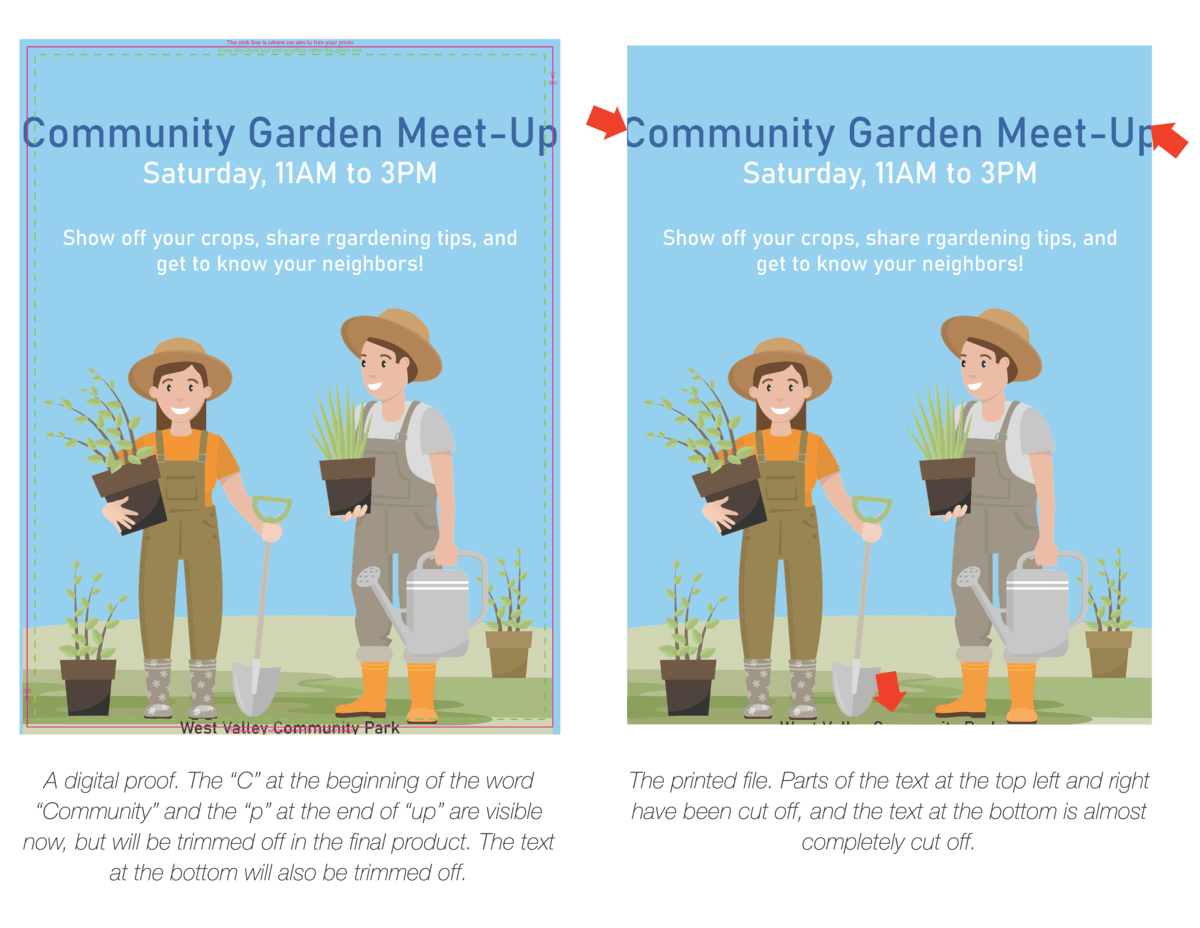
Some Digital Proofs contain colored margins that show where the product will be trimmed, or where content is in danger of being cut off. If your Digital Proof doesn't contain any of these margins – don't worry! Your design will naturally have a white margin around the edges, and no content is in danger of being trimmed off.
The solid pink line is the trim line. This is where we intend to cut your file. Anything that goes past this line will be trimmed off and will not be visible in the final product.
The dashed green line is the safety margin line. During the printing or trimming process of creating your product, miniscule shifts in the paper are possible. Because of the normal shifting of paper that can occur during production, any content placed past this area is in danger of being trimmed off. Please try to keep all important content – such as text or faces – inside this line.
Don't Miss Your Proof Approval Deadline!
What Is The Proof Approval Deadline?
The proof approval deadline is the time by which you must approve your Digital Proof in order to ensure your order is produced, shipped, and delivered by the date you chose when initially placing your order.
Why Is The Proof Approval Deadline Important?
Your proof approval is time-sensitive!
Approving your Digital Proof by the designated deadline ensures that we will be able to produce your order in a timely manner and keep to our production schedule. That way, we can match the turnaround time and delivery date you selected. If you reject your Digital Proof, revise your files, or miss your proof approval deadline, your expected delivery date will be pushed back.
Take Advantage Of Complimentary File Editing
If you need our assistance with editing your file, please note that it takes 1 business day to evaluate the request and determine if it will incur a fee. The delivery date of the final product will also be adjusted to account for this delay.
There's Only One Way To Approve Your Proof
In order to properly approve your Digital Proof and ensure that your file begins the production process, you must acknowledge all of the notes in the proof approval that were sent to you, and to click on the "Approve Proof" button at the end.

Please note, replying to the Digital Proof email is not a valid form of approval, and your order will not go into production!